Control the output
Set image dimensions, keep proportions or choose a target file size before exporting.
Image editing app
An Android toolkit for resizing, compressing and editing images. Prepare an image for sharing, turn photos into a PDF, or arrange several images into a collage.
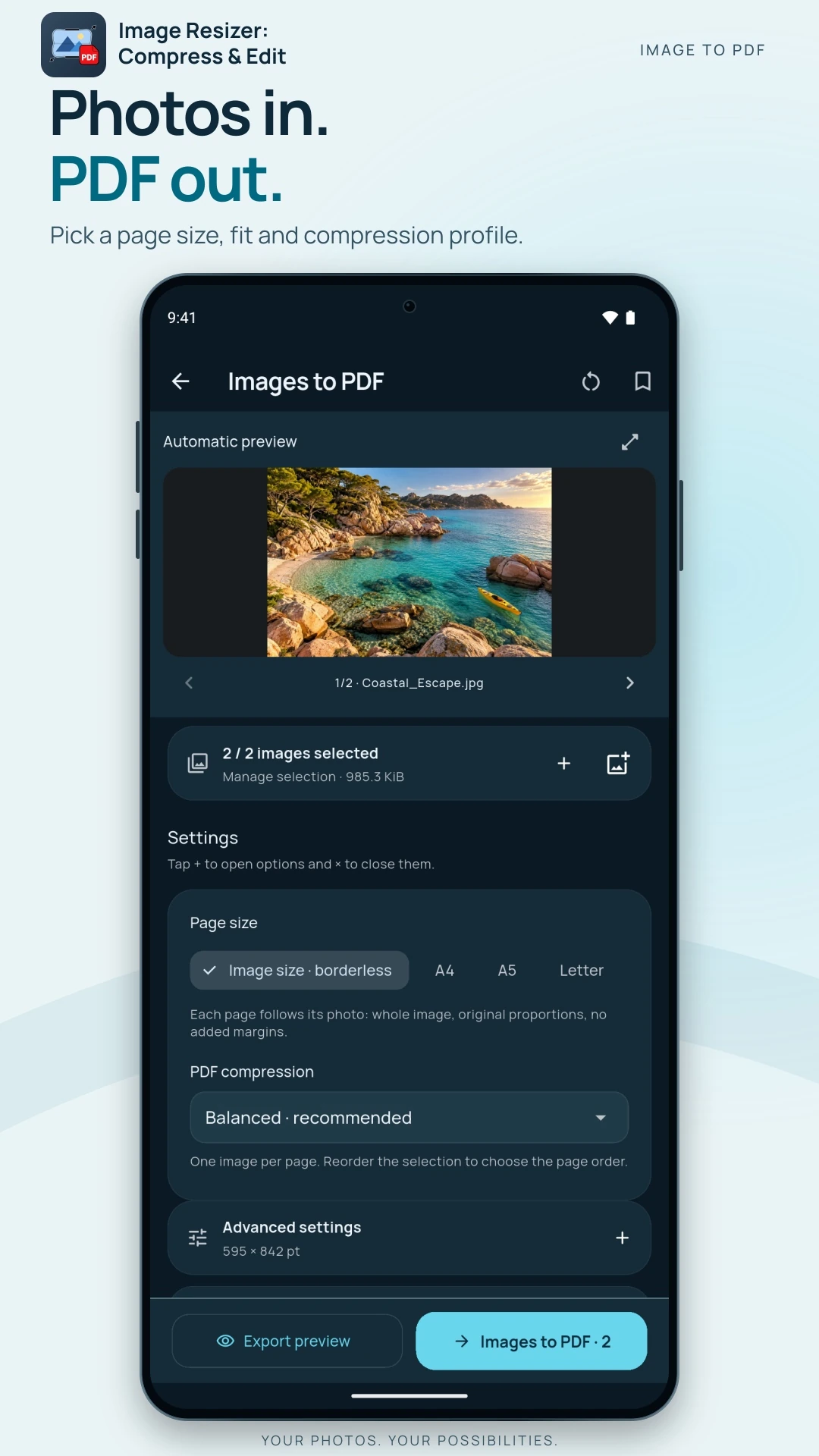
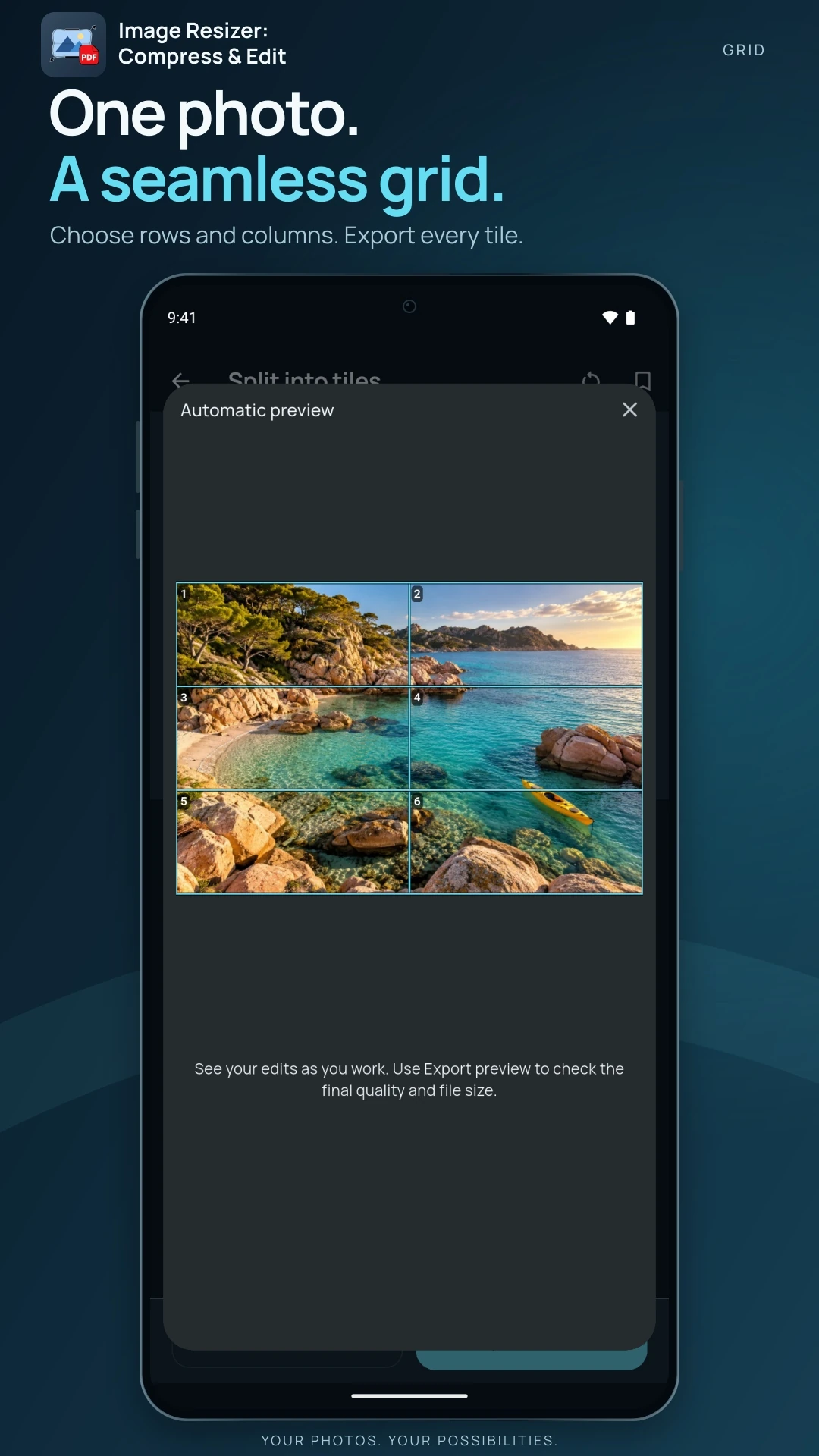
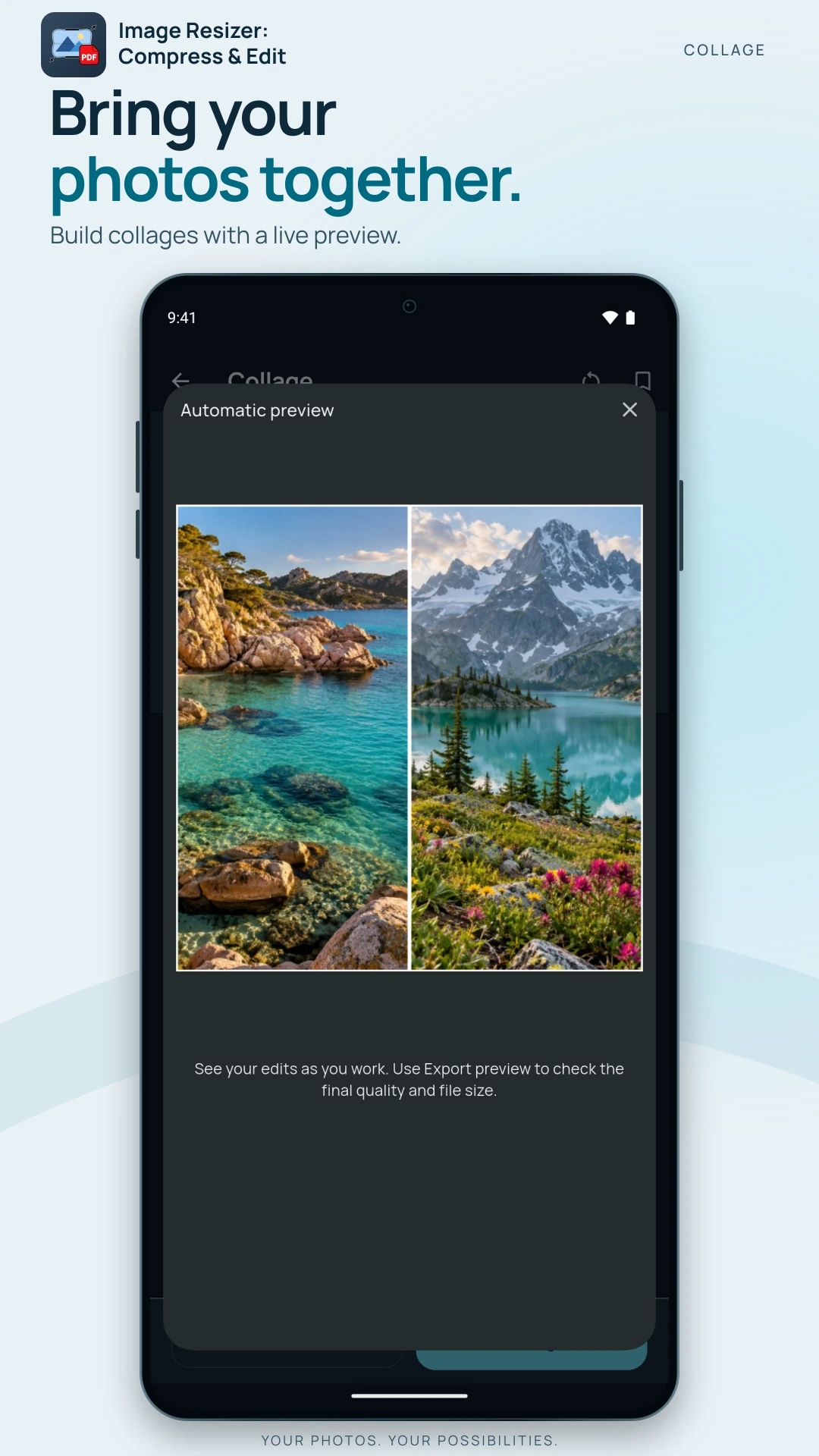
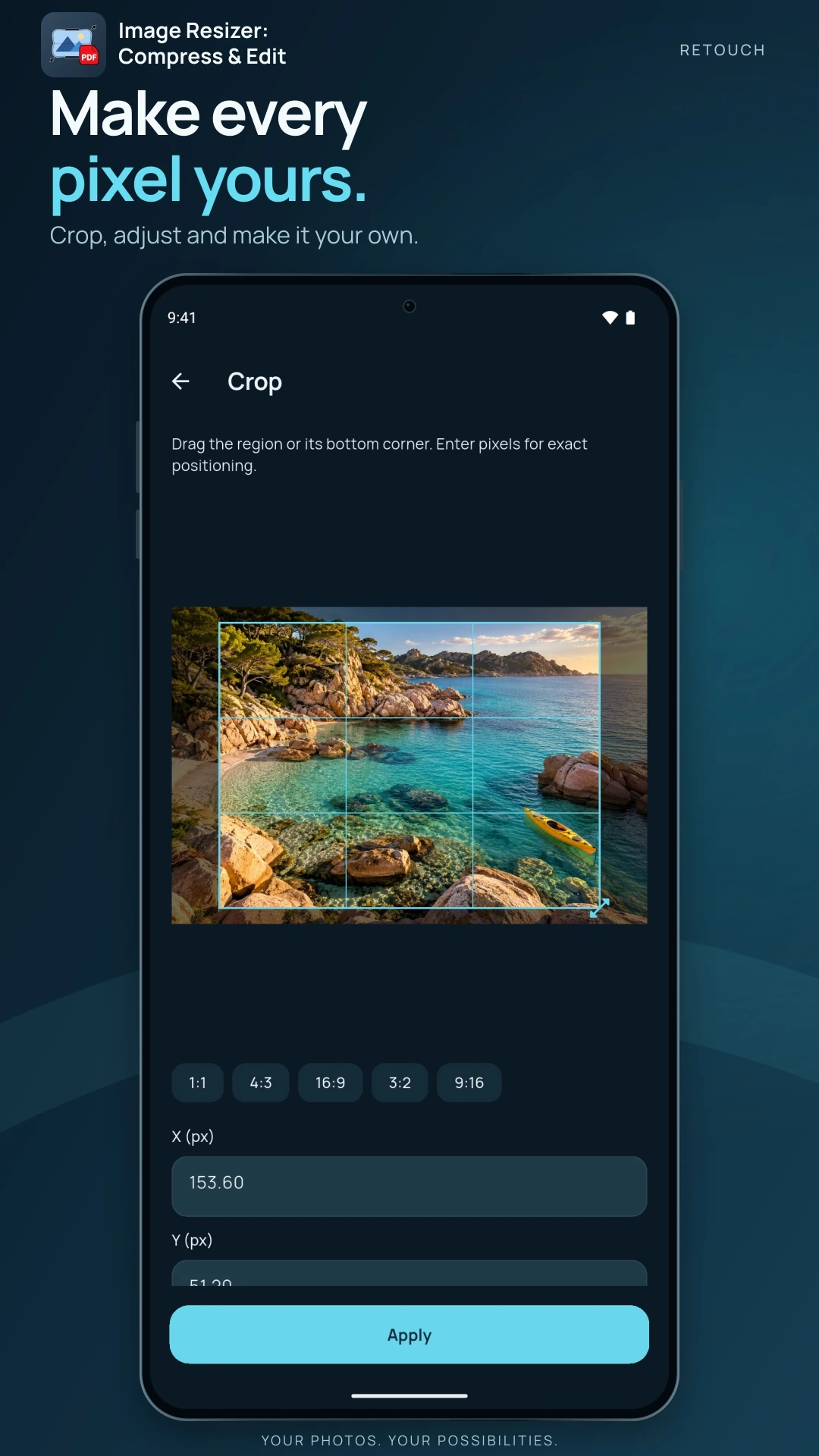
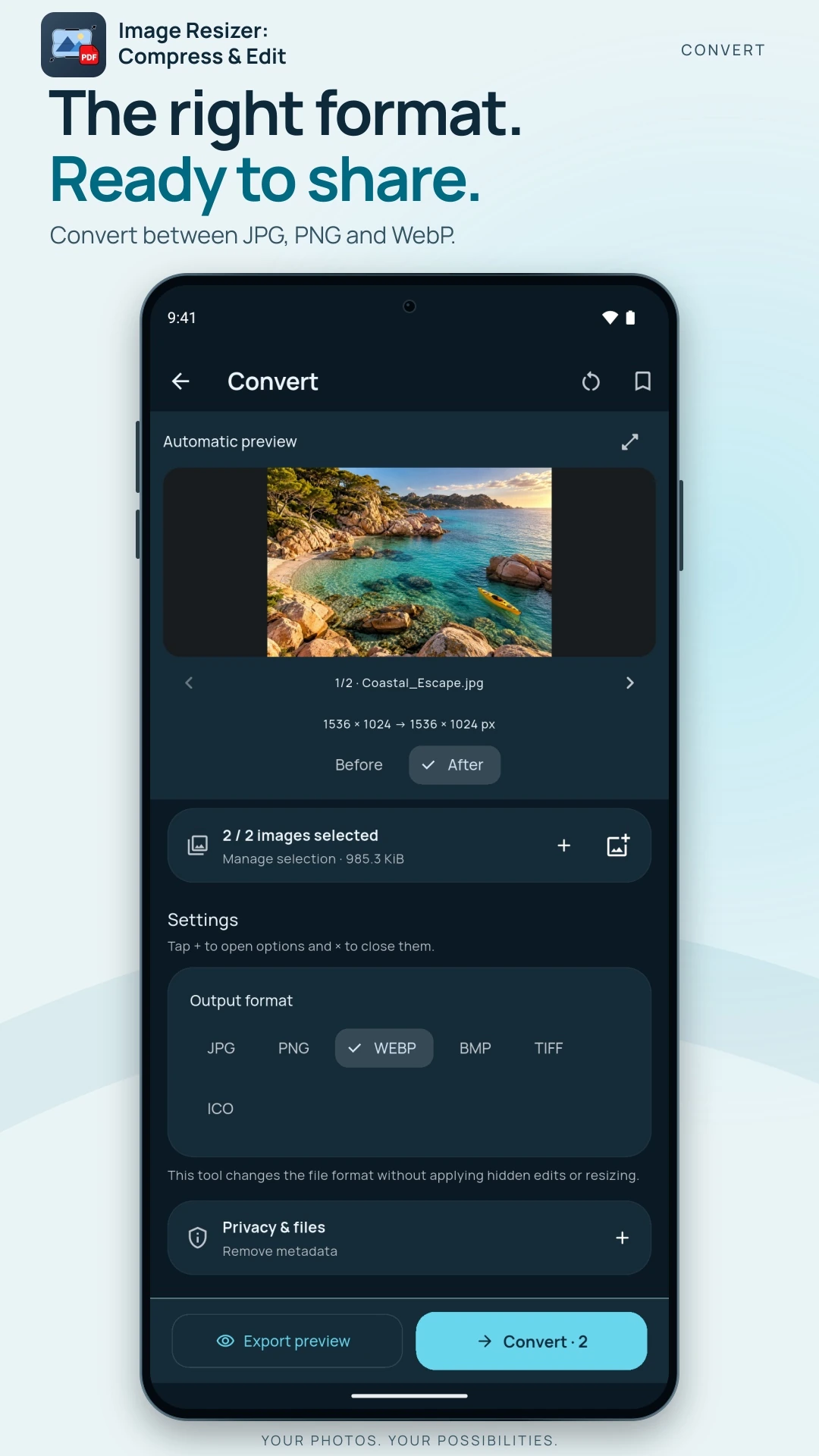
Current Google Play visuals, showing compression, PDF export, grids, collages and editing tools. Open a screenshot to view it in full.
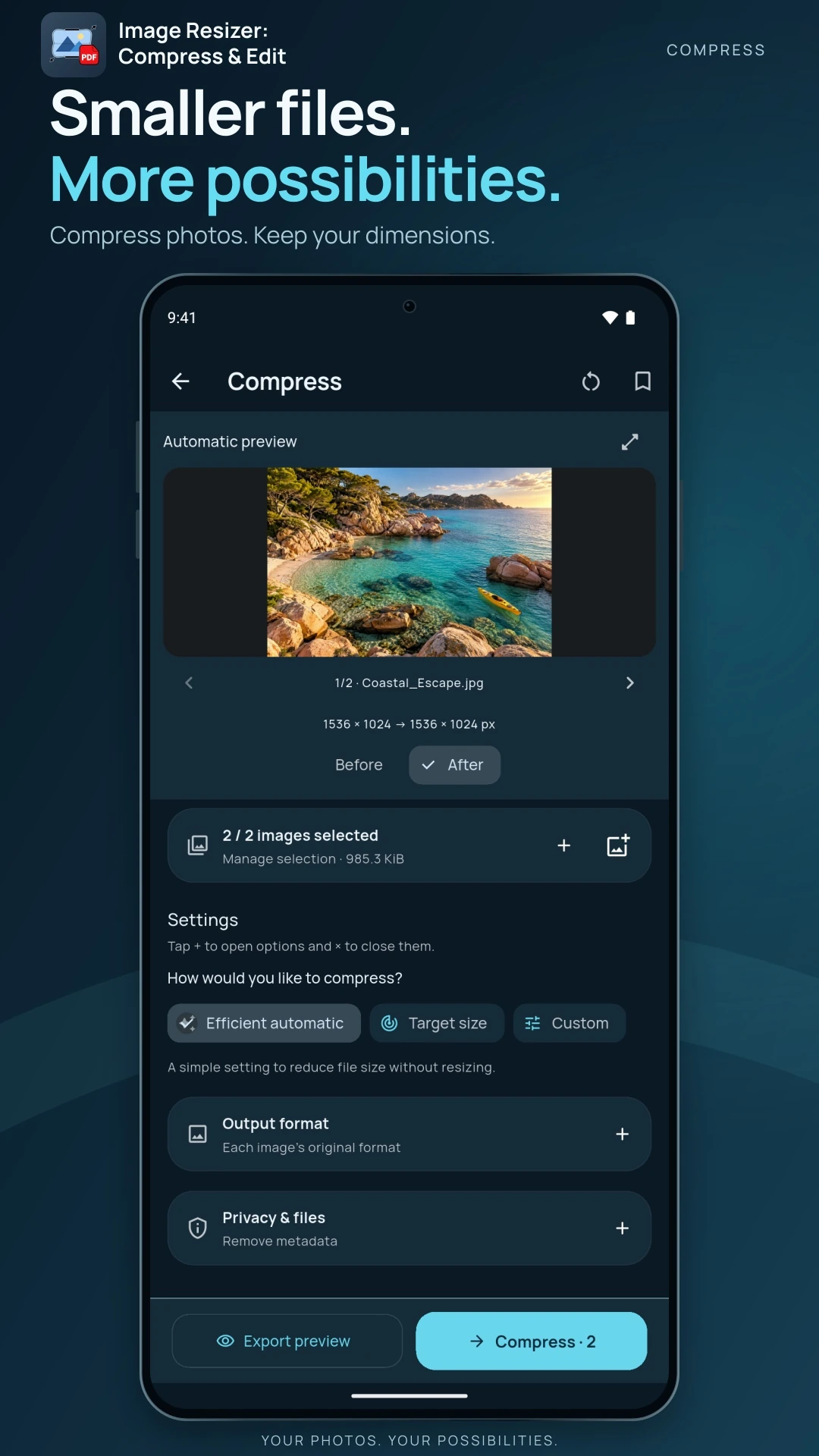
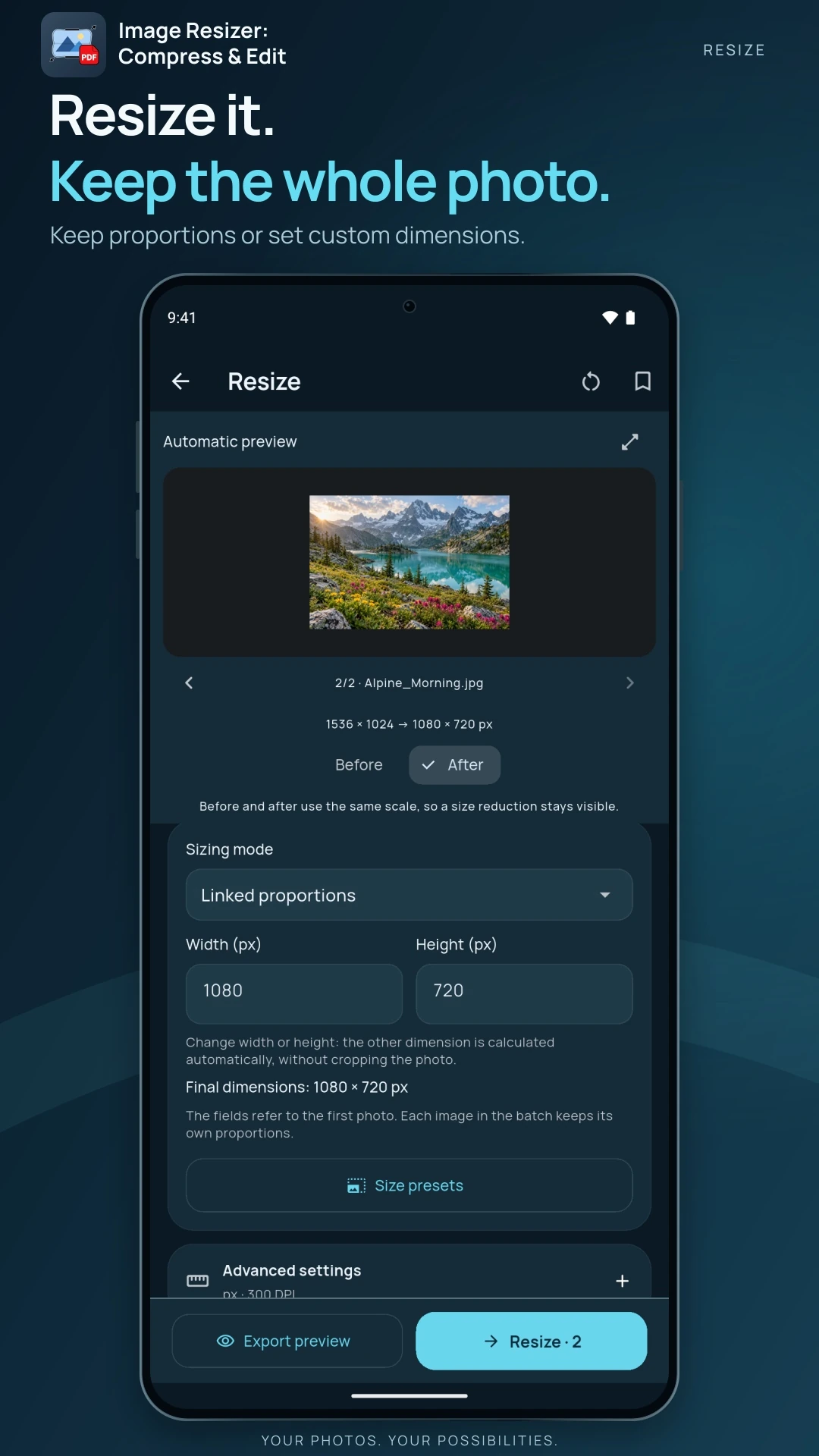
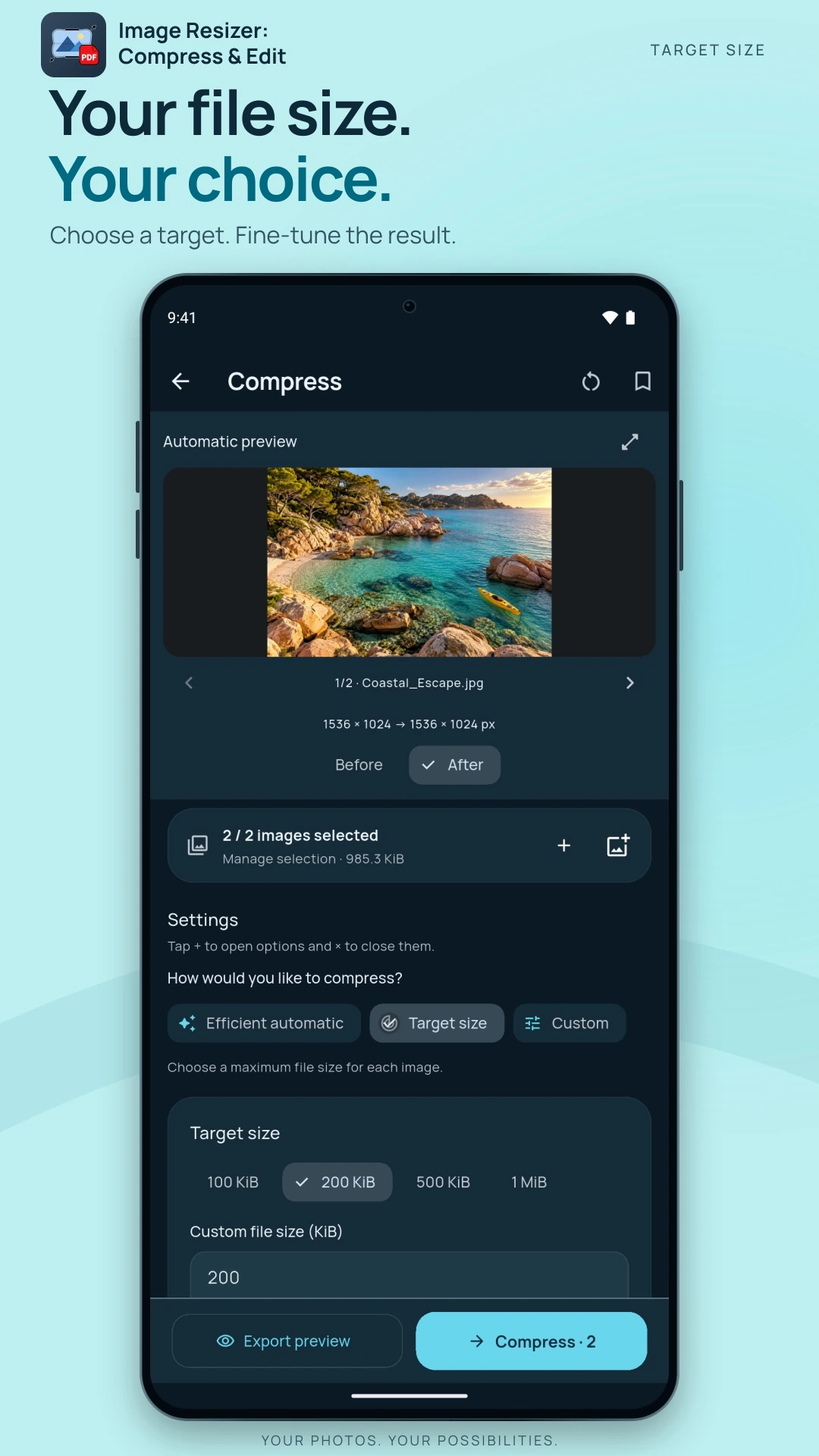
Set image dimensions, keep proportions or choose a target file size before exporting.
Crop and retouch an image, then choose JPG, PNG or WebP for the output.
Preview a collage, split an image into tiles or export a selection of photos as a PDF.